loading spinner

Removing the N64 Motherboard

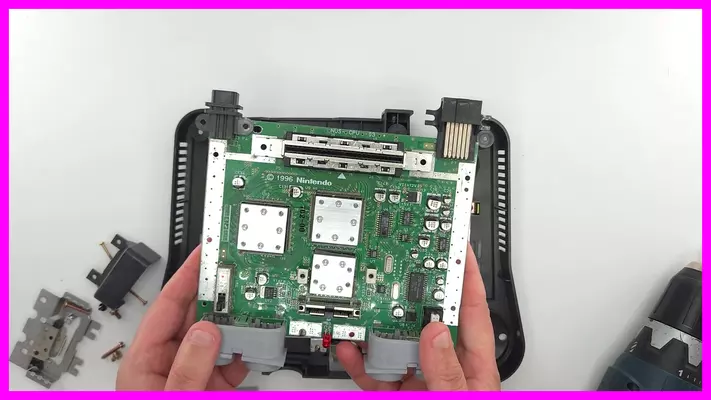
The following guide will show how to remove the N64 Motherboard from the control deck and prepare it for trimming.

This is a universal guide which will work with any version of the N64 and will normally be the first step in most any N64 Portable mods. 

This will also be the first required step in the assembling the 5th GeN64 Portable Kit

Let's jump right in!  

Removing the N64 Motherboard

N64 Motherboard Removal - Tools Required

Removing the N64 Motherboard is a relatively straight forward process provided you have the right tools going into it. A simple Phillips Head screw driver isn't going to cut it as Nintendo uses a particular type of security screw to close the case. 
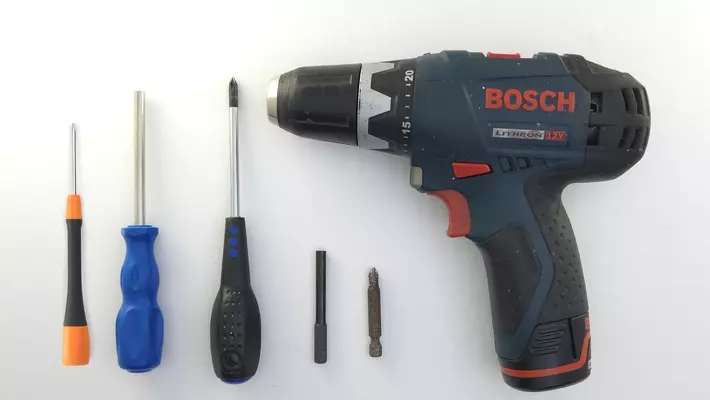

A drill is not required here, but can help speed up the process immensely, however you will need the proper bits to fit in it. 

Tools Required

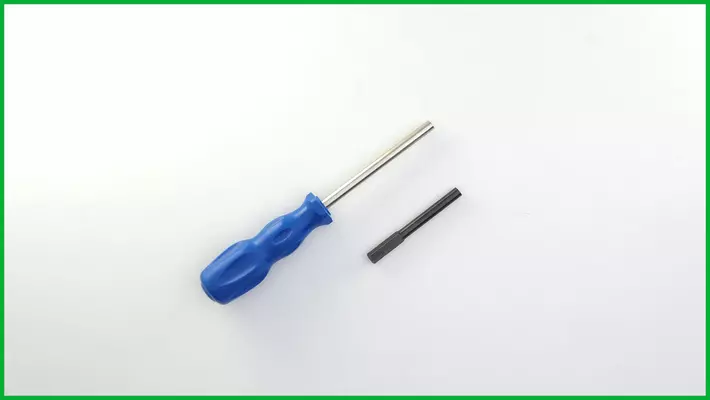
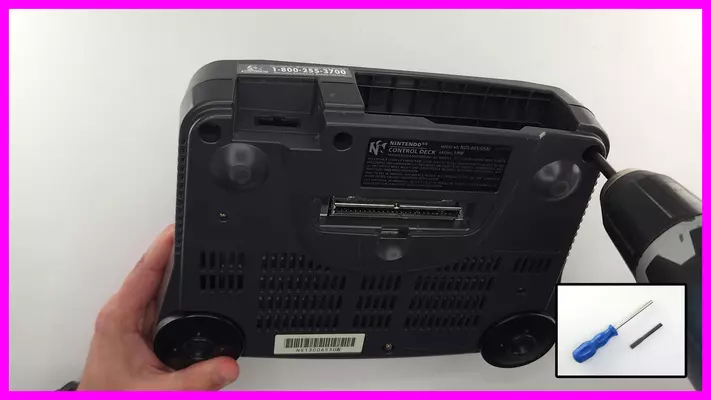
- 4.5mm Gamebit Handheld Screwdriver to remove base screws. Alternate for screw gun here.

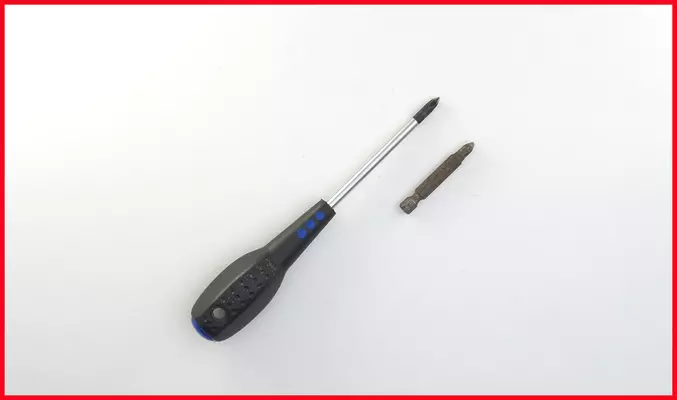
- #2 Phillips Handheld Screwdriver or Bit. Very common and probably already in your shop.

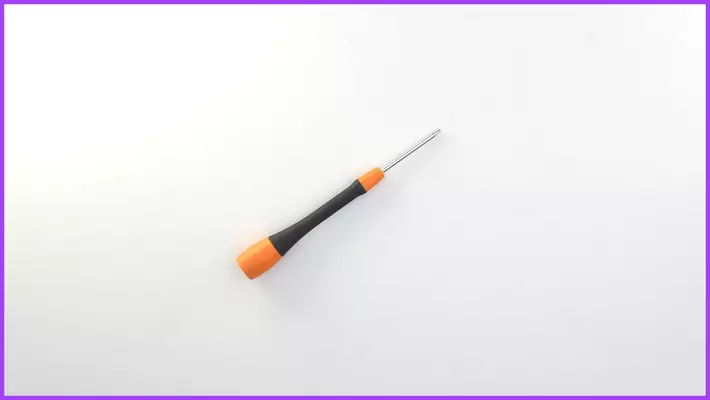
- #P0 or #P1 Precision Screwdriver - Highly recommend to have a decent Set of Precision Screwdrivers

With these tools in hand we are ready for the next step.    

Opening the Control Deck - Difficulty "Easy"

Again, this is very straight forward so long as you have the 4.5mm Gamebit of some variety. Without it, it is quite the struggle to open. 


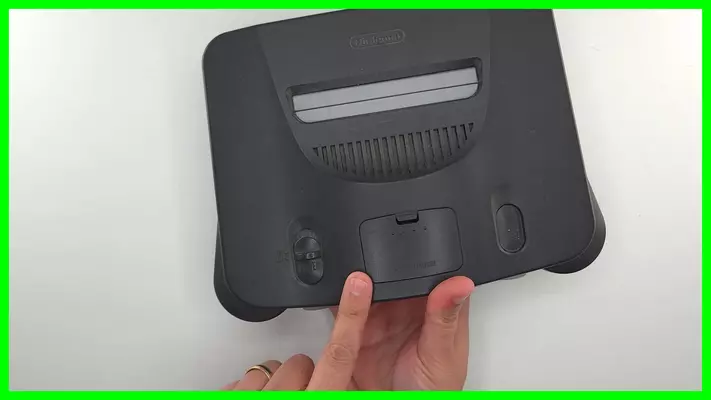
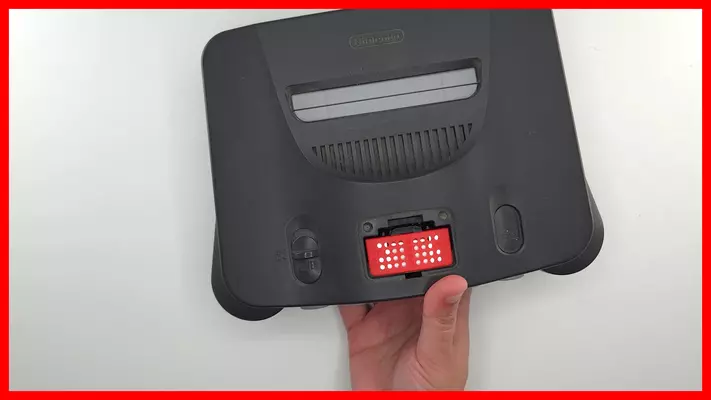
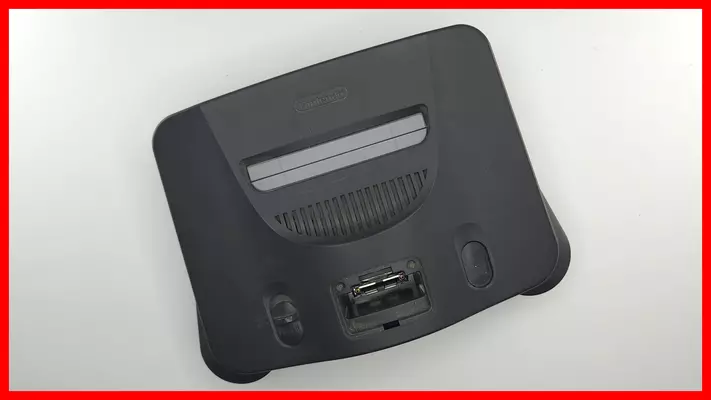
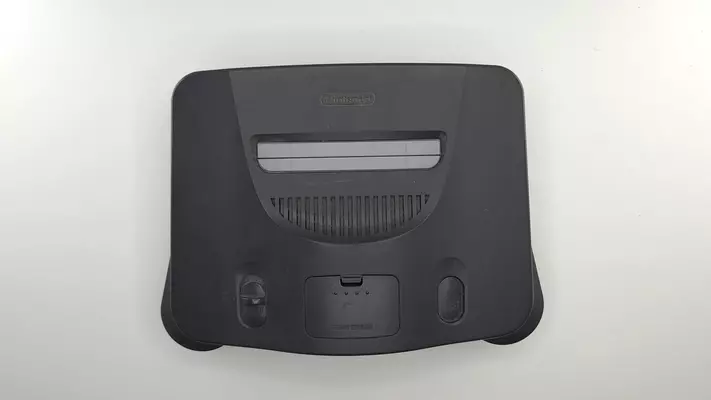
- Remove the covers for the jumper pak on the front and the expansion port on the back.

- Remove the jumper pak or expansion pak if the system has one in it. The original jumper may have a taped seal over it, which you will just need to cut and then pry the pak out carefully with a flat head screwdriver or pull straight up with a pair of pliers.  Do not discard as this is needed for the N64 to operate. 
*If you bought a system that did not have one of these included, you will need to source one*. 

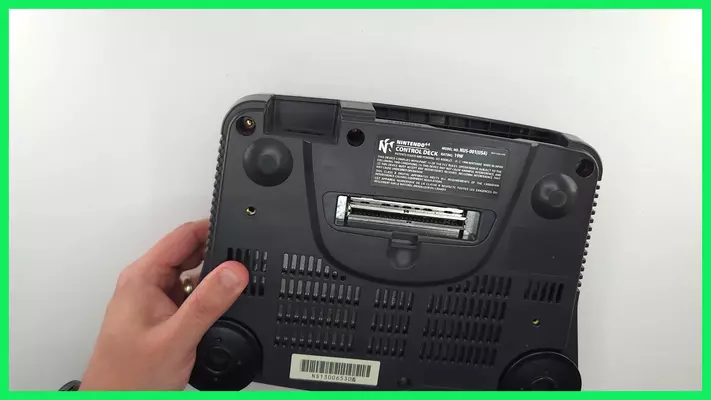
- Remove the (6) Gamebit screws from the back of the console and remove the cover.

Once the cover has been removed, we can then move on to the next step of removing the Mobo from the deck and the heat shields. 

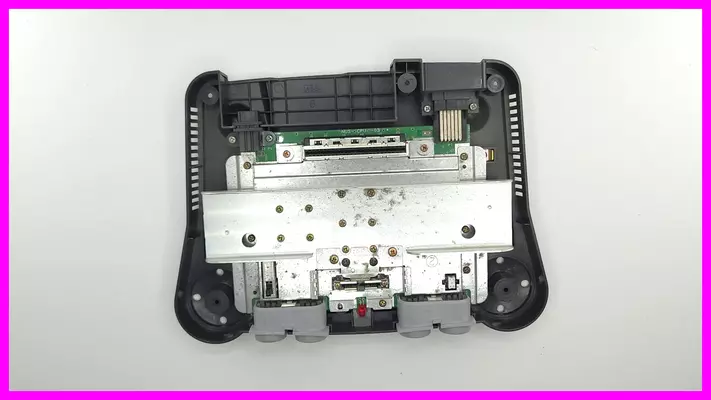
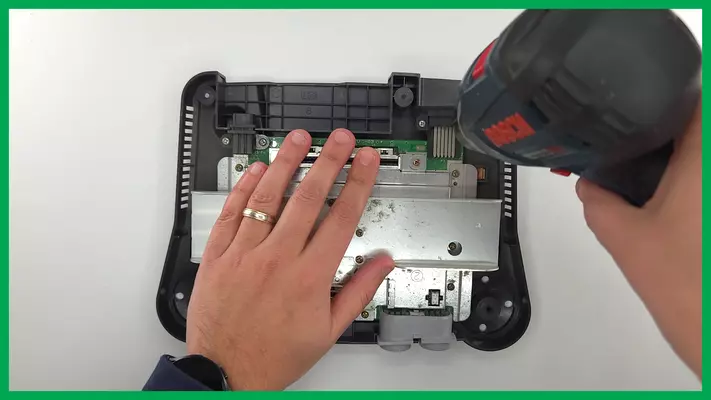
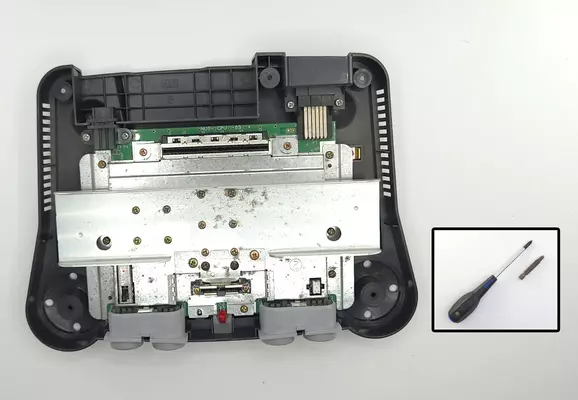
Removing The Heat Shields & Base - Difficulty "Easy"

Removing the Heat Shields & Base is again a very straight forward process and even easier than taking the cover off. 


Long of the short of it, if you see a screw, take it out!  

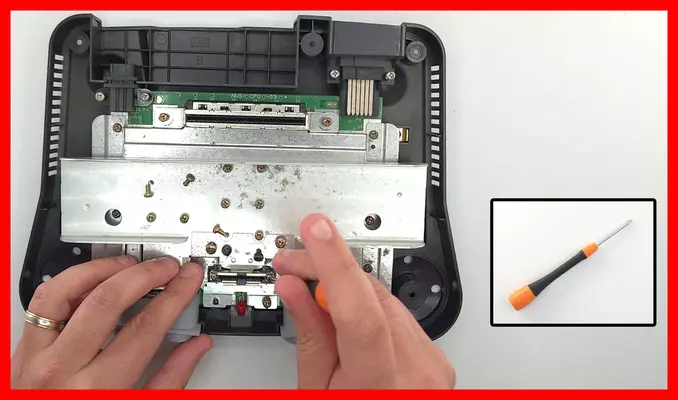
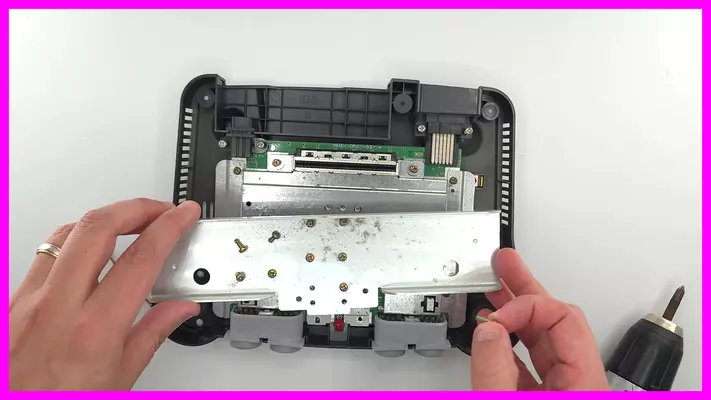
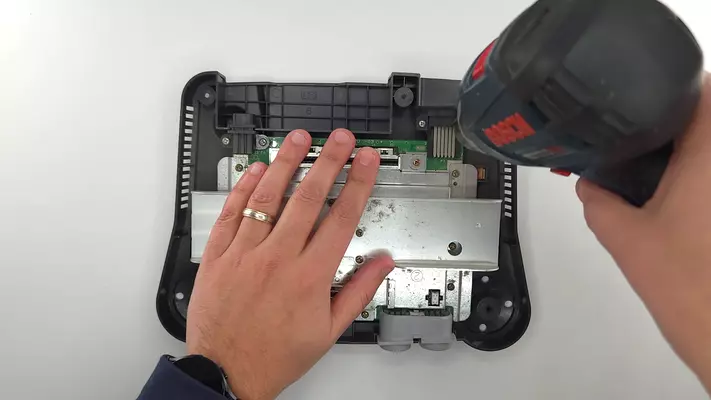
- Remove every screw with the #2 Phillips screwdriver or bit, save for the (2) on the expansion pak.

- Remove the (2) on the expansion pak port with the P1 or P0 Precision Phillips screwdriver as their heads are much smaller. 

- Remove the heat shielding and the N64 from the console. 

With these steps complete, we can now prep the board for trimming. But this is the last "common" step before  specific projects takes over. 

If you're following along for the 5th GeN64 Portable Kit Guide, please continue here: 
06/04/2026 16:37:29